
VOICE ACTIVITY
Speak first. Then reveal.
Voice Mode only checks whether clear human speech is present in this round. It never recognizes what was said. Without speech, the result is invalid.NO TRANSCRIPT · NO AUDIO UPLOAD
POCKET PARTY INSTRUMENT · iOS
LieLab turns face-to-face questions, suspense, and reveals into a precise, theatrical pocket ritual. Made for parties with friends, not real lie detection.
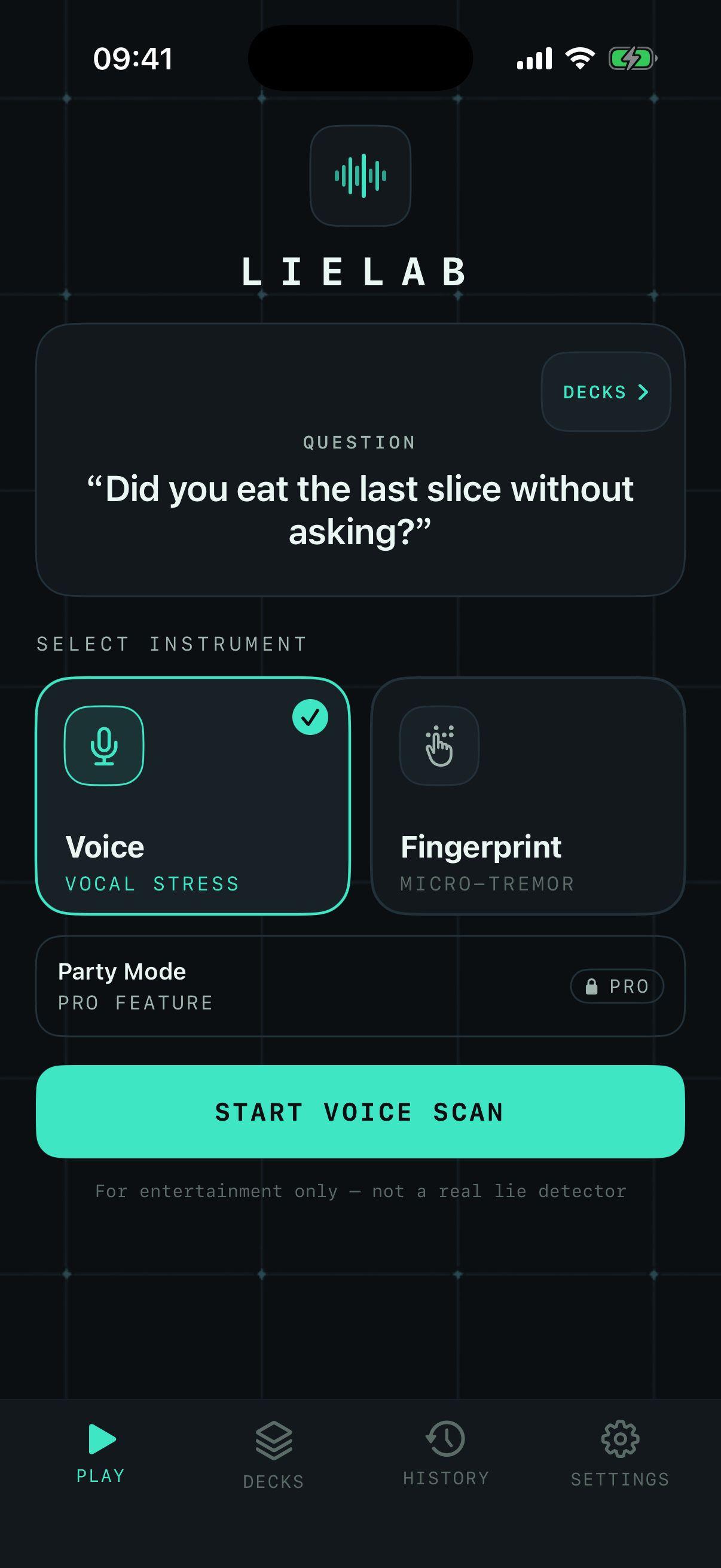
THE INSTRUMENT
Every input follows a clear rule, and every reveal stays firmly in entertainment. The experience feels intentional without presenting simulated results as real-world judgment.
VOICE ACTIVITY
DUAL CONTACT
PASS & PLAY
IN APP
Charcoal panels, phosphor-cyan signals, and monospaced readouts carry through every step, keeping attention on the question and reveal.
VOCAL STRESS
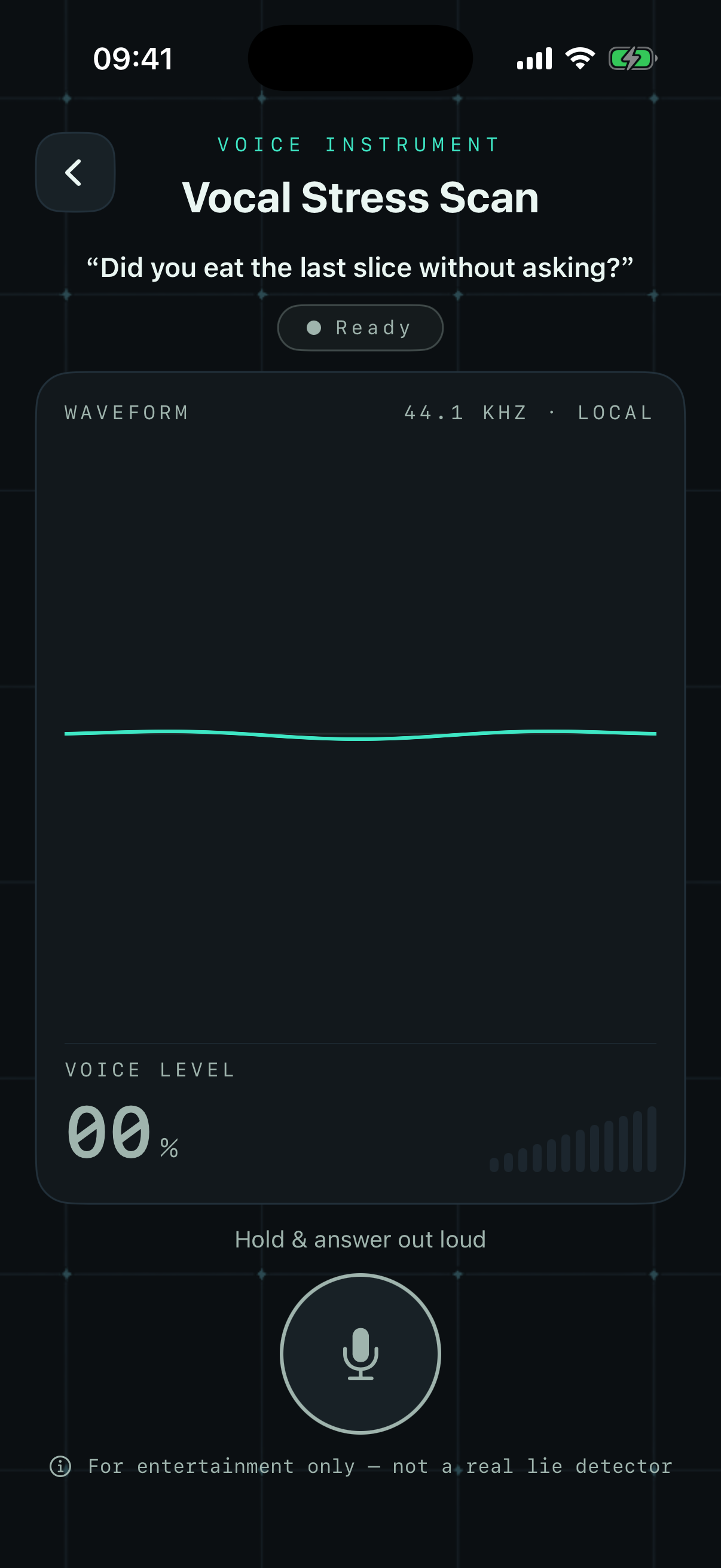
DUAL CONTACT
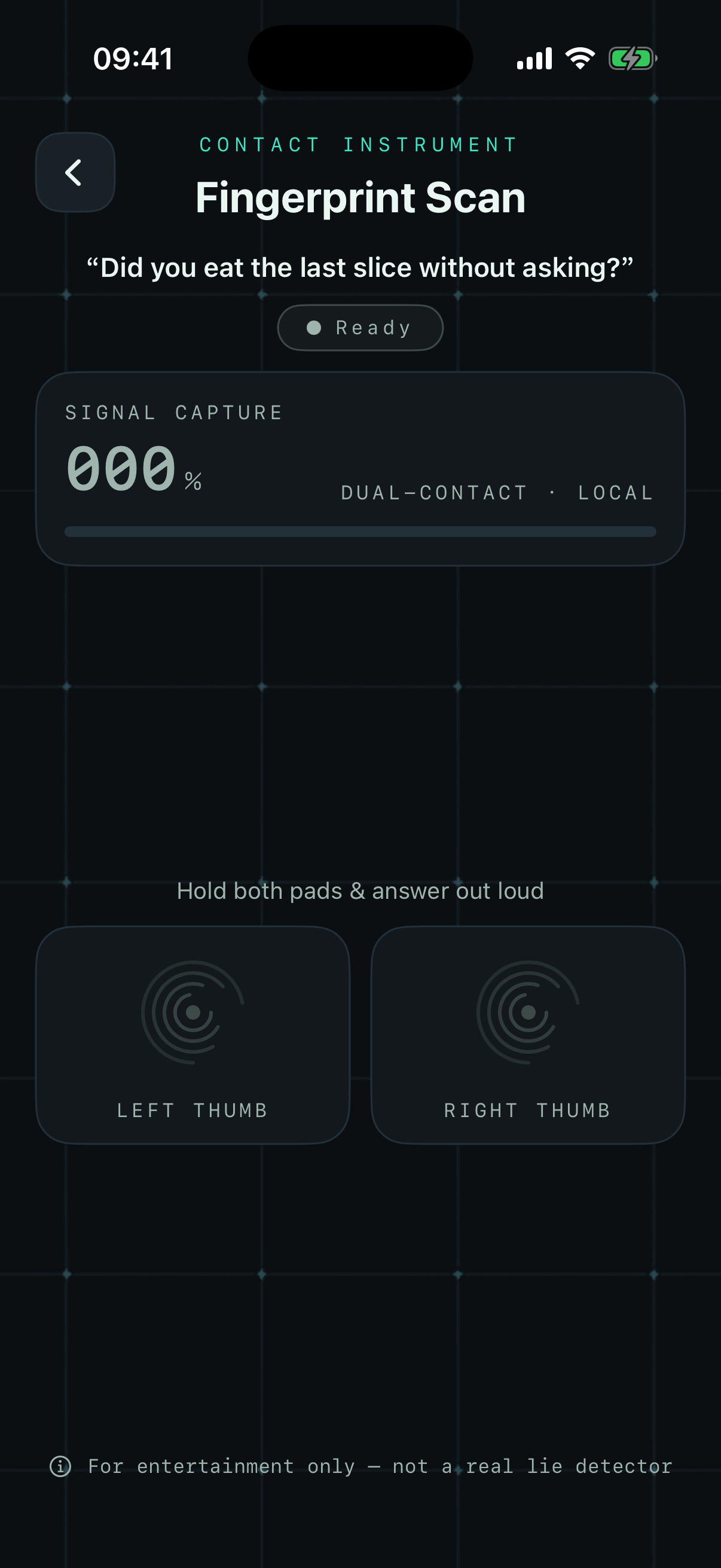
PARTY · PRO
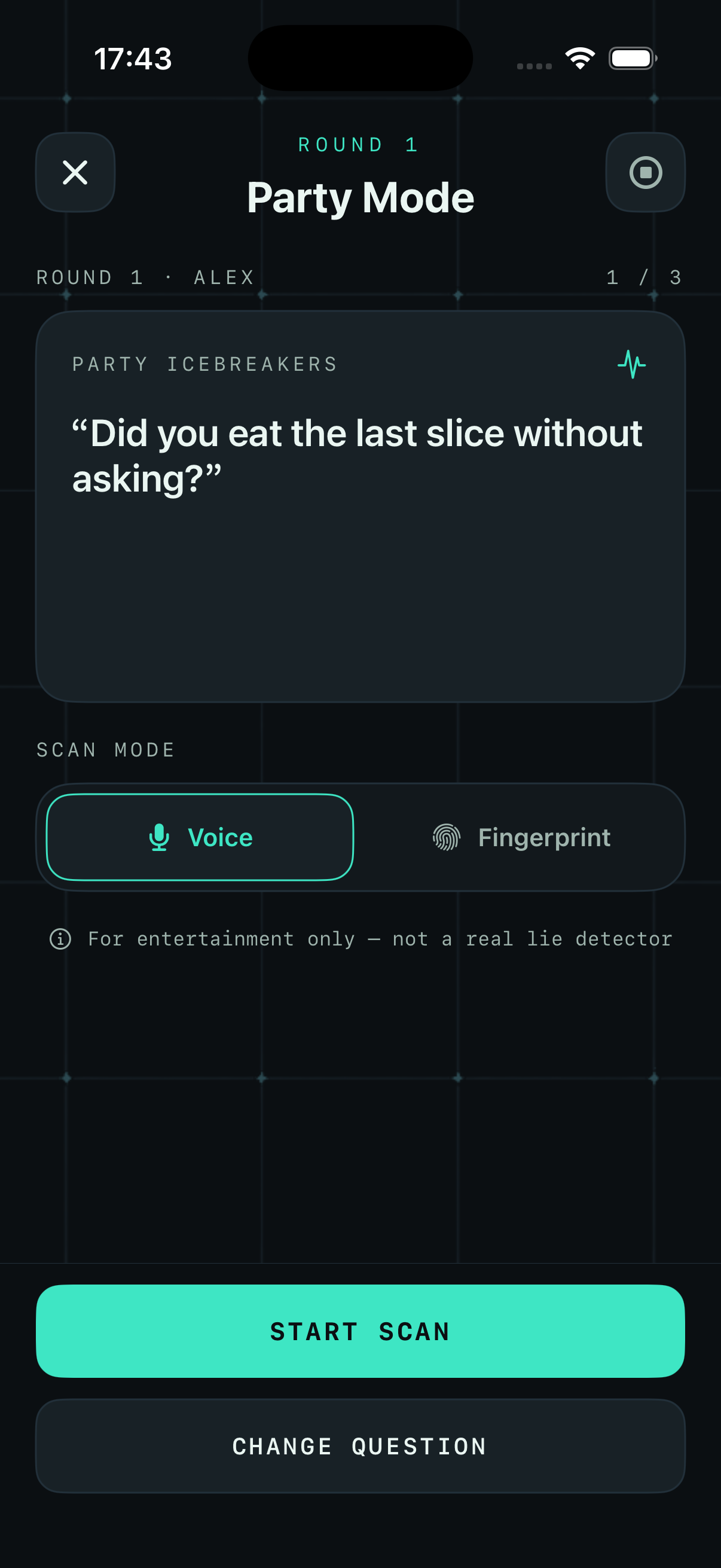
PARTY MODE · PRO
LieLab Party Mode is face-to-face pass-and-play. No one else needs the app, and the game never uses penalties to create pressure. Player order, the current question, and round progress stay on this device.
View LieLab in the App StoreAdd players and choose the right question deck for the room.
Pass the phone to the next player named on screen.
Ask the question, then scan by voice or dual touch.
Reveal the simulated result, then move to the next seat.
LOCAL BY DESIGN
No account and no ad tracking. Voice activity is checked on device without transcription, saved recordings, or audio uploads. Result content leaves LieLab only when you choose to save or share it.
FIELD NOTES
No. LieLab produces simulated entertainment results. It has no scientific lie-detection ability and must not be used for safety, medical, legal, employment, or relationship decisions.
No. It only checks on device whether clear human speech is present in the current round. Nothing is transcribed, and temporary audio is discarded after validation, failure, cancellation, or exit.
That is the rule: both contact pads must stay pressed together. Lifting either thumb early resets progress to zero.
Start with the Help Center. If the issue remains, email pandasroom@outlook.com.
SIGNAL READY
Available for iPhone. Party Mode is a LieLab Pro feature.